



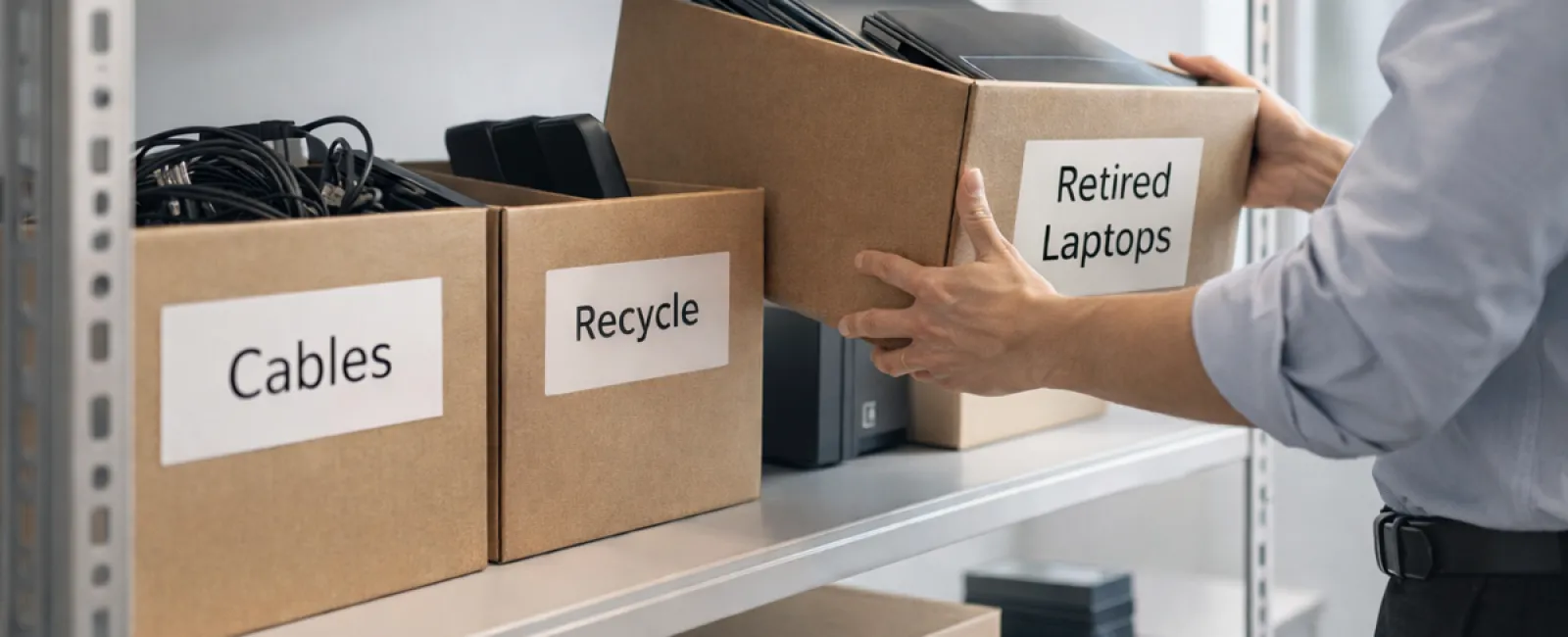
While spring cleaning often begins with tidying closets, in most businesses, the real clutter extends far beyond the coat rack.
Yes, those piles might be on a server rack, but they're also lurking in storage rooms, back offices, or tucked away under the label "we'll deal with that later."
Outdated laptops, obsolete printers, backup drives from outdated system upgrades, and boxes of cables kept "just in case"—these are the signs of accumulated tech clutter.
Every company faces this challenge.
The key question is not if you have this buildup, but whether you have a clear strategy to manage it effectively.
Technology Follows a Lifecycle — Beyond the Purchase Date
When you invest in new IT equipment, it's typically for a reason: enhanced speed, improved security, increased capabilities, or to support growth.
While many businesses invest effort into planning technology purchases, few dedicate equal attention to how they retire outdated devices.
Retiring equipment often happens behind the scenes. Devices get replaced, put aside, and eventually someone tries to clear the backlog.
That's common.
What's rare is handling device retirement with the same deliberate planning as the initial purchase.
Old technology still holds value—whether reuse potential, recyclable materials, or data that must be securely handled. Unattended gear can slow down operations by taking up space and attention.
Spring offers a perfect opportunity to assess: What equipment is actively serving your business, and what's just taking up room?
Four Steps to Streamline Your Tech Cleanup
If you're ready to make tech retirement a priority, follow this straightforward four-step framework.
Step 1: Conduct a Technology Inventory
Identify exactly which assets you're ready to retire—laptops, phones, printers, network equipment, external drives, and more. Clear identification is essential since you can't manage what you haven't located, and a quick audit often uncovers more gear than expected.
Step 2: Choose the Right Outcome
Each device should be categorized carefully: Will it be reused (internally or via donation), recycled through certified e-waste channels, or destroyed when sensitive data is involved? Intentional decision-making prevents hardware from languishing in forgotten storage.
Step 3: Prepare Devices with Care
Proper preparation safeguards your data and reputation.
For reuse or donation, remove devices from management systems, revoke all user access, and perform certified data wiping—not just a typical factory reset. Deleting files or quick formatting doesn't erase data but only hides it.
Data security firm Blancco's study revealed 42% of resold drives on eBay still had sensitive information, despite sellers claiming they were wiped. Certified erasure overwrites every storage sector and provides verification.
For recycling, never toss devices in regular trash bins. Instead, use certified e-waste recyclers—Best Buy's recycling program serves only residents, not businesses. For commercial gear, seek IT asset disposition (ITAD) providers with certifications like e-Stewards or R2; many IT providers can assist in coordination.
If devices require destruction, opt for certified data wiping or physical destruction methods such as shredding or degaussing, and keep detailed records including serial numbers, destruction methods, dates, and handlers.
This isn't needless caution; it's essential to close the data security loop.
Step 4: Document the Retirement Process
Once equipment is removed, retain full records detailing where it went, how it was handled, and confirmation that access was revoked to eliminate any future doubts.
Devices Often Overlooked in Tech Decluttering
While laptops typically draw attention, other devices often slip under the radar.
Phones and Tablets can still harbor email credentials, contacts, and authentication apps. Factory resets clear most data, but certified mobile wipe tools provide thorough data removal. Leading brands like Apple and Samsung offer trade-in programs, sometimes crediting toward newer models.
Modern Printers and Copiers often include internal drives that store every print, scan, copy, or fax job. When returning leased machines, insist on written confirmation that their drives will be wiped or removed before redeployment.
Batteries are classified as hazardous waste by the EPA. Many states prohibit businesses from discarding rechargeable batteries with regular trash. Remove batteries when possible, tape terminals to prevent shorts, and use certified collection points like Call2Recycle.org locations or retail stores such as Staples, Home Depot, and Lowe's.
External Drives and Retired Servers often accumulate in closets far longer than intended but require the same careful retirement steps as other equipment.
Why Responsible Recycling Matters
Spring and Earth Day remind us to care for our planet.
Electronic waste should never reach landfills. Globally, over 62 million metric tons of e-waste is generated annually, yet just 22% is recycled properly. Items like batteries, monitors, and circuit boards belong in certified recycling streams, and most communities offer appropriate e-waste disposal options.
Handled correctly, retiring tech is an opportunity to be operationally efficient, environmentally responsible, and strategically smart. You can safeguard data security while doing your part for the environment.
This responsible approach also reflects well in your company's social media, showing customers your commitment to proper management without fanfare.
Spring Cleaning Means Making Room for Growth
Spring cleaning isn't just discarding old items; it's creating space for new opportunities.
Clearing out outdated technology is one part, but it's also a chance to ask whether your current technology truly supports your business goals.
Hardware cycles in and out, but optimizing software, systems, automation, and processes drives real productivity and profitability.
Properly retiring old equipment is good practice, but aligning your technology with your business strategy is what fuels continued success.
How We Help You Move Forward
If you already have an effective tech retirement process, that's fantastic—it should feel straightforward and routine.
However, as you replace aging equipment responsibly, consider reviewing your entire tech environment. Are your systems efficient? Are tools integrated effectively? Does your technology help grow your business or just maintain it?
If you want to assess how your technology stack, workflows, and systems impact your productivity and profitability, we're here to guide that conversation.
No equipment inventory requirements. No pressure to buy. Just a practical discussion about maximizing technology's impact on your business.
Click here or give us a call at (619) 349-5850 to schedule your free 15-Minute Discovery Call.
If this insight could benefit another business owner, we encourage you to share it.
Remember, spring cleaning extends beyond closets—it includes optimizing the systems that power your business.