



Three hours into your five-hour drive to visit family for the holidays, your daughter asks, "Can I play Roblox on your laptop?" Not just any laptop, but your work laptop loaded with client files, financial data, and access to your entire business. You're tired from packing, still have hours ahead, and frankly, keeping her entertained sounds like a relief. But is it really harmless?
Holiday travel introduces unique security risks that you don't usually encounter. You're distracted, fatigued, connecting to unknown networks, and blending family fun with quick work check-ins. Whether traveling for business, pleasure, or both, here's how to safeguard your data without spoiling the festive spirit.
Prep in 15 Minutes Before You Travel
Spend a quarter-hour prepping to keep your devices and data safe on the road:
Essential Device Steps:
- Update all security patches immediately
- Back up critical files securely to the cloud
- Set automatic screen locks with a maximum two-minute idle time
- Enable "Find My Device" on all phones and laptops
- Fully charge your portable power banks
- Bring your own chargers and necessary adapters
Communicating With Your Family:
- Clarify which devices children can use and which are off-limits
- Prepare a dedicated family tablet or secondary device for entertainment
- Create separate user accounts on your work laptop for child access if necessary
Pro tip: If your kids want screen time during travel, bring along a tablet that does not have access to your work accounts. A $150 tablet is a small price to avoid a costly data breach.
Hotel WiFi: Why Everyone Gets It Wrong
Once your family checks into the hotel, phones, tablets, laptops, and gaming devices flood onto the WiFi. Your teenager streams Netflix, your spouse checks emails, and you're reviewing that important proposal for tomorrow.
The problem? Hotel WiFi is shared among numerous guests, many with unknown or even malicious intentions.
True story: A family connected to what they believed was their hotel's WiFi — but it was a counterfeit network set up in the parking lot capturing passwords, credit card info, and emails for two whole days.
How to stay secure:
Confirm the exact network name — always ask the front desk before connecting, never guess.
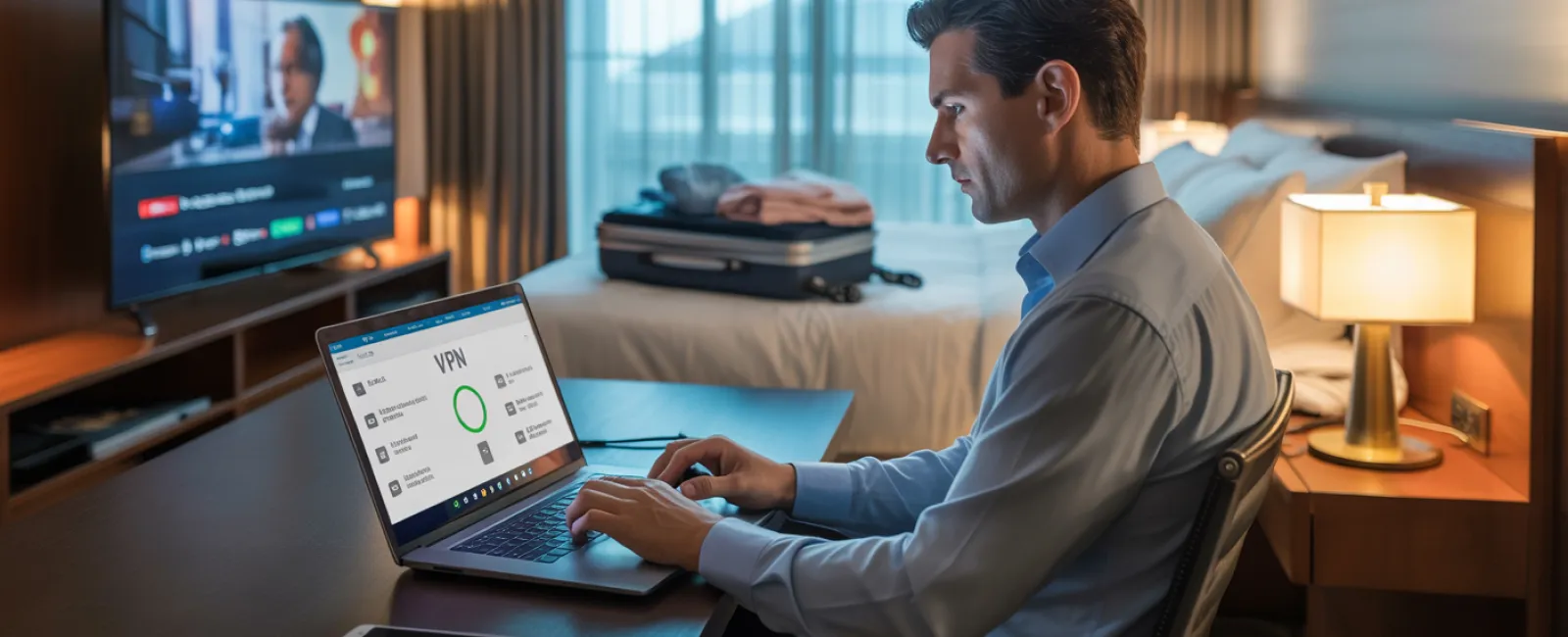
Use a VPN for work-related activities — encrypt your connection to safely access emails and files.
Rely on your phone's hotspot for sensitive transactions — managing bank accounts or confidential client info? Avoid public WiFi and use cellular data.
Separate work and entertainment — let kids stream cartoons on hotel WiFi, but keep your work-related activities on a secure hotspot.
The "Can I Use Your Laptop?" Dilemma
Your work laptop holds emails, banking credentials, client data, and business software access. Meanwhile, your kids want to watch videos or video chat.
Why this is critical: Children might accidentally download malware, click unsafe pop-ups, share passwords, or forget to log out. While not intentional, such actions pose a serious security threat on work devices.
Here's the best approach:
Firmly decline work device use — "That's my work laptop, but you can use your device." Stay consistent.
If handheld sharing is unavoidable:
- Create a restricted user profile
- Supervise device activity
- Prevent downloads
- Avoid saving any passwords
- Erase browsing history after use
Even better: Carry a dedicated family device for travel, like an older tablet or laptop disconnected from work accounts.
Streaming on Hotel TVs: The Forgotten Sign-Out
When the family decides to watch Netflix on the hotel's smart TV, someone logs into their account. At checkout, forgetting to sign out leaves your account open for the next guests.
The risks: Your Netflix account becomes accessible to strangers. If passwords are reused (hopefully not!), other accounts could be vulnerable.
How to avoid this:
- Use your personal device and cast content to the TV for safer viewing
- Set phone reminders to log out before checkout
- Download shows beforehand to skip logging in on hotel TVs altogether
Never log into the following on hotel TVs:
- Banking applications
- Work systems
- Email services
- Social media platforms
- Accounts with stored payment information
Device Loss? Act Fast
Holiday travel is hectic, and it's easy to leave devices behind. If a device disappears…
Within the first hour:
- Activate "Find My Device" to track its location
- If recovery isn't immediate, lock it remotely
- Change passwords on critical accounts from a secure device
- Notify your IT or service provider to block access to company systems
- Inform stakeholders if sensitive information was on the device
Prepare your devices BEFORE you travel:
- Enable remote tracking
- Use strong passwords
- Ensure automatic encryption of data
- Set up remote wipe capability
Family member lose a device? Apply the same protocols: lock remotely, change passwords, and attempt to locate it.
Beware of Rental Car Data Risks
Connecting your phone to a rental car's Bluetooth for music or navigation can inadvertently share your contacts, calls, and even text previews.
Sadly, this data often remains accessible to the next driver.
A quick 30-second checklist before you return the car:
- Remove your phone from the car's Bluetooth devices
- Clear recent GPS destinations
- Consider using an AUX cable or avoid connecting altogether
Setting Boundaries on "Working Vacations"
You promised family time but have checked emails numerous times, answered work calls, and spent precious hours on your laptop while others enjoy the mini-golf course.
This split focus not only strains family bonds but also weakens your security vigilance—leading to risky clicks or unsecured connections.
Honest advice: If unplugging fully isn't an option, establish clear limits:
- Check work emails only at set times, twice daily
- Use phone hotspot instead of hotel WiFi for work-related tasks
- Work privately in your hotel room rather than public areas
- Engage fully with family—avoid multitasking with work
The best insurance? Take genuine time off. Your business can survive a week offline, and you'll return sharper and more alert to threats when rested.
Adopting a Holiday Travel Security Mindset
Separating family life and work during holiday trips is messy. Sometimes kids really do need your laptop; sometimes urgent emails can't wait. Life happens.
The goal isn't perfection—it's smart risk management:
- Prepare your devices thoroughly before departure
- Recognize high-risk activities (like using hotel WiFi for banking) versus low-risk ones (checking email with a hotspot)
- Establish clear barriers between work data and family use wherever possible
- Have a recovery plan if issues arise
- Know when to enforce the rule: "Not on this device" and mean it
Make This Holiday One to Remember for the Right Reasons
The holidays are for cherishing moments with loved ones—not for managing data breaches or apologizing to clients over compromised info.
With a little foresight and easy precautions, you can shield your business without dampening anyone's vacation spirit. Your family enjoys the season; your business remains secure. Everyone wins.
Need help building travel security protocols for your team and yourself? Click here or call us at (619) 349-5850 to schedule a free 15-Minute Discovery Call. We'll work with you to create effective policies that protect your business without making travel stressful.
Because the best holiday tale shouldn't be "Remember when Dad's laptop was hacked?"